
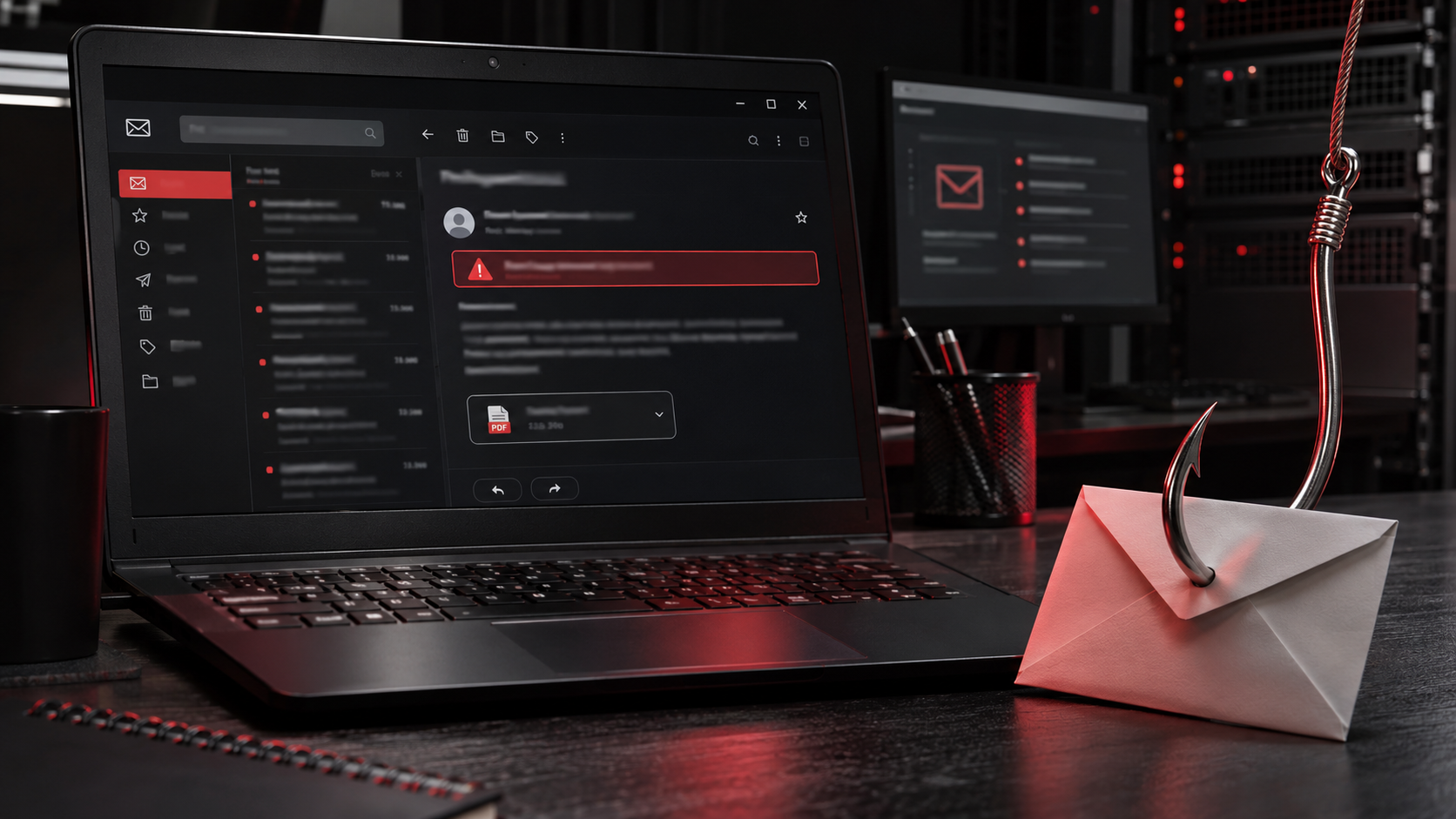
How to Identify Phishing Emails: A 2027 Guide for Teams in Pakistan
You can identify a phishing email by checking five things: who really sent it, how urgent it sounds, where its links go, what its attachments are, and whether it asks you to break a normal process. If any of these feel wrong, stop and verify before you click, reply or pay.
Phishing is the most common way attackers get into business systems, and in 2027 the emails look more convincing than ever. This guide shows your team the 10 warning signs, real examples seen in Pakistan, and exactly what to do when a suspicious email lands in the inbox.
What Is a Phishing Email?
A phishing email is a fake message that pretends to come from a trusted person or organisation to trick you into clicking a link, opening a file, sharing a password or sending money.
Attackers copy the names, logos and writing style of banks, government departments, suppliers, colleagues and well-known software brands. The goal is always the same: get you to act before you think.
Why Are Phishing Emails a Bigger Risk for Pakistani Businesses in 2027?
Phishing emails are a bigger risk in 2027 because AI tools now let attackers write perfect, personalised messages at scale, removing the spelling mistakes that used to give them away.
- AI-written emails: attackers can write fluent English or Urdu messages that mention your company, role and recent projects.
- More digital payments: as more Pakistani businesses pay suppliers and salaries online, fake invoices and changed bank details pay off for criminals.
- Cloud email everywhere: a stolen Microsoft 365 or Google Workspace password gives an attacker access to email, files and sensitive data at once.
- Remote and mobile work: people check email on phones and tablets, where it is harder to see the real sender address or link destination.
What Are the Signs of a Phishing Email?
The 10 most reliable signs of a phishing email are listed below. One sign is a reason to slow down; two or more is a reason to report it.
1. The Sender's Address Does Not Match the Name
The display name says "Bank Support" or your CEO's name, but the actual email address is a free Gmail account or a slightly misspelled domain, such as svtech-pk.com instead of svtech.pk. Always tap or hover on the name to see the real address.
2. It Creates Urgency or Fear
Phrases like "your account will be blocked today", "final notice" or "urgent payment required" are designed to rush you. Real organisations rarely demand action within minutes.
3. It Uses a Generic Greeting
"Dear Customer" or "Dear User" from a company that normally uses your name is a warning sign, although AI-written phishing now often includes your real name too.
4. The Links Go Somewhere Else
Hover over a link before clicking. If the address it shows does not match the sender's real website, or uses a link shortener, do not click.
5. It Has an Unexpected Attachment
Be careful with attachments you did not ask for, especially ZIP files, Office documents that ask you to "enable content", and HTML files that open login pages.
6. It Asks for Passwords or OTPs
No bank, IT team or software provider will ask for your password or one-time code by email. Any request like this is phishing.
7. It Asks You to Change Payment Details
An email saying a supplier's bank account has changed is one of the most expensive scams. Always confirm by phone using a number you already have, not one in the email.
8. The Reply-To Address Is Different
The email appears to come from a colleague, but when you click reply, a different address appears. This is a common trick in business email compromise, which email security tools are built to detect.
9. The Branding or Tone Feels Slightly Off
Old logos, unusual formatting, or a colleague who suddenly writes very formally or very casually can all point to a fake.
10. The Offer Is Too Good to Be True
Prize winnings, unexpected refunds and job offers you never applied for are classic phishing bait.
What Are Common Phishing Email Examples in Pakistan?
The most common phishing emails in Pakistan copy banks, tax authorities, courier companies, employers and software providers. Watch for these patterns:
- Fake bank alerts: "Unusual activity detected, verify your account now" with a link to a fake login page
- Fake tax notices: emails pretending to be from FBR about a pending refund or penalty
- Courier and delivery scams: "Your parcel is on hold, pay a small fee to release it"
- Fake job offers: attractive offers that ask for a CNIC copy, bank details or an "application fee"
- Microsoft 365 or Google password alerts: "Your password expires today, click to keep it"
- Supplier invoice changes: a familiar vendor asking you to pay this month's invoice to a new account
What Is the Difference Between Phishing and Business Email Compromise?
Phishing is a broad attack sent to many people, while business email compromise (BEC) is a targeted scam that impersonates a specific executive, employee or supplier to steal money or data.
BEC emails often have no links or attachments at all. They rely only on trust, for example a "CEO" asking the finance team for an urgent transfer. Because there is nothing malicious to scan, BEC is harder for basic filters to catch and needs both technical controls and trained staff.
What Should You Do If You Receive a Phishing Email?
If you receive a phishing email, do not click, reply or forward it to colleagues; report it to your IT team and delete it.
- Do not click any links or open attachments
- Do not reply, even to say "stop"
- Report it using your email's "Report phishing" button or forward it to IT
- Verify any real-looking request by calling the sender on a known number
- Delete the email once it has been reported
What Should You Do If You Clicked a Phishing Link?
If you clicked a phishing link, act within minutes: disconnect, change your password, and tell your IT team immediately.
- Disconnect the device from the internet or Wi-Fi
- Change the password of the affected account from a different, safe device
- Turn on or reset multi-factor authentication
- Report the incident to IT so they can check for malware and suspicious logins
- If you shared bank details or sent money, call your bank straight away
Reporting quickly matters more than feeling embarrassed. The faster IT knows, the smaller the damage.
How Can Businesses Stop Phishing Emails Before They Reach Employees?
Businesses can stop most phishing emails by combining email authentication, advanced filtering, multi-factor authentication and regular staff training. These are the email security best practices that matter most in 2027:
- Set up SPF, DKIM and DMARC: these records stop attackers from sending emails that pretend to be from your own domain.
- Use advanced email filtering: modern email security services in Pakistan scan links and attachments in a safe sandbox before they reach the inbox.
- Turn on multi-factor authentication: even if a password is stolen, MFA blocks most account takeovers. Limit admin and privileged accounts as well.
- Train employees regularly: security awareness training with realistic phishing simulations teaches staff to spot and report attacks.
- Protect devices: endpoint security stops malware if someone does open a bad attachment.
- Prepare to recover: tested backup and disaster recovery limits the damage if phishing leads to ransomware.
How Does SV Tech Help Businesses Stop Phishing?
SV Tech protects businesses with email security services in Pakistan that block phishing, spoofing and malicious attachments before they reach employees.
We set up email authentication, deploy advanced filtering, and train your team with real-world phishing simulations. Combined with our endpoint security and managed cybersecurity services, this gives your business layered protection against the most common way attacks begin.
Want to know how exposed your inbox is? Talk to SV Tech about email security or request a free assessment.